Agency operations
How to get client approval on social posts without the email chain
Approvals are where most agency social work stalls. Here is a process that gets a yes in hours instead of days, and leaves a record of who agreed to what.
On this page
Ask anyone who runs social for clients where the month actually goes, and almost nobody says writing captions. It goes on approvals: the follow-up email, the screenshot pasted into a chat thread, the version that got verbally agreed on a call and then changed, the post that missed its slot because one person was on annual leave.
The problem is rarely that clients are slow. It is that most approval processes ask too much of them.
Why email approvals fail
A typical request asks the client to open an email, find an attachment or a screenshot, work out which post it refers to, compare it against a content plan they half-remember, and reply with something unambiguous. That is four jobs. Each one is a chance to put it off until later.
Three failures show up again and again:
The context is missing. A caption in an email body does not look like the post. The client cannot tell whether the line break lands badly or whether the image is cropped wrong.
The answer is unstructured. "Looks good but can we tweak the start" is not an approval, and it is not a rejection. Someone has to interpret it.
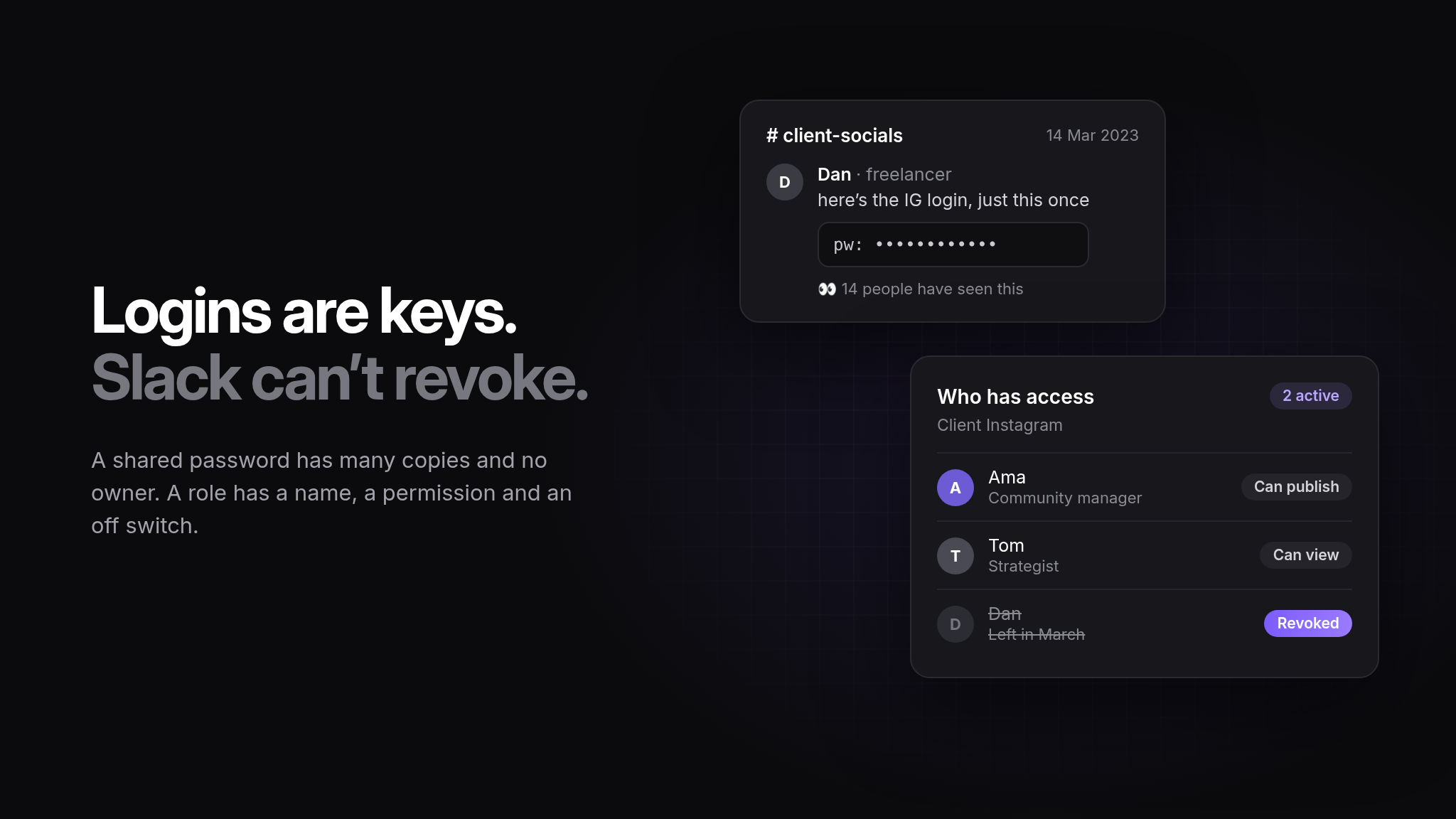
The record disappears. Three weeks later, when the client asks why a post went out, the evidence is spread across two inboxes and a group chat.
A process that works
One link per post
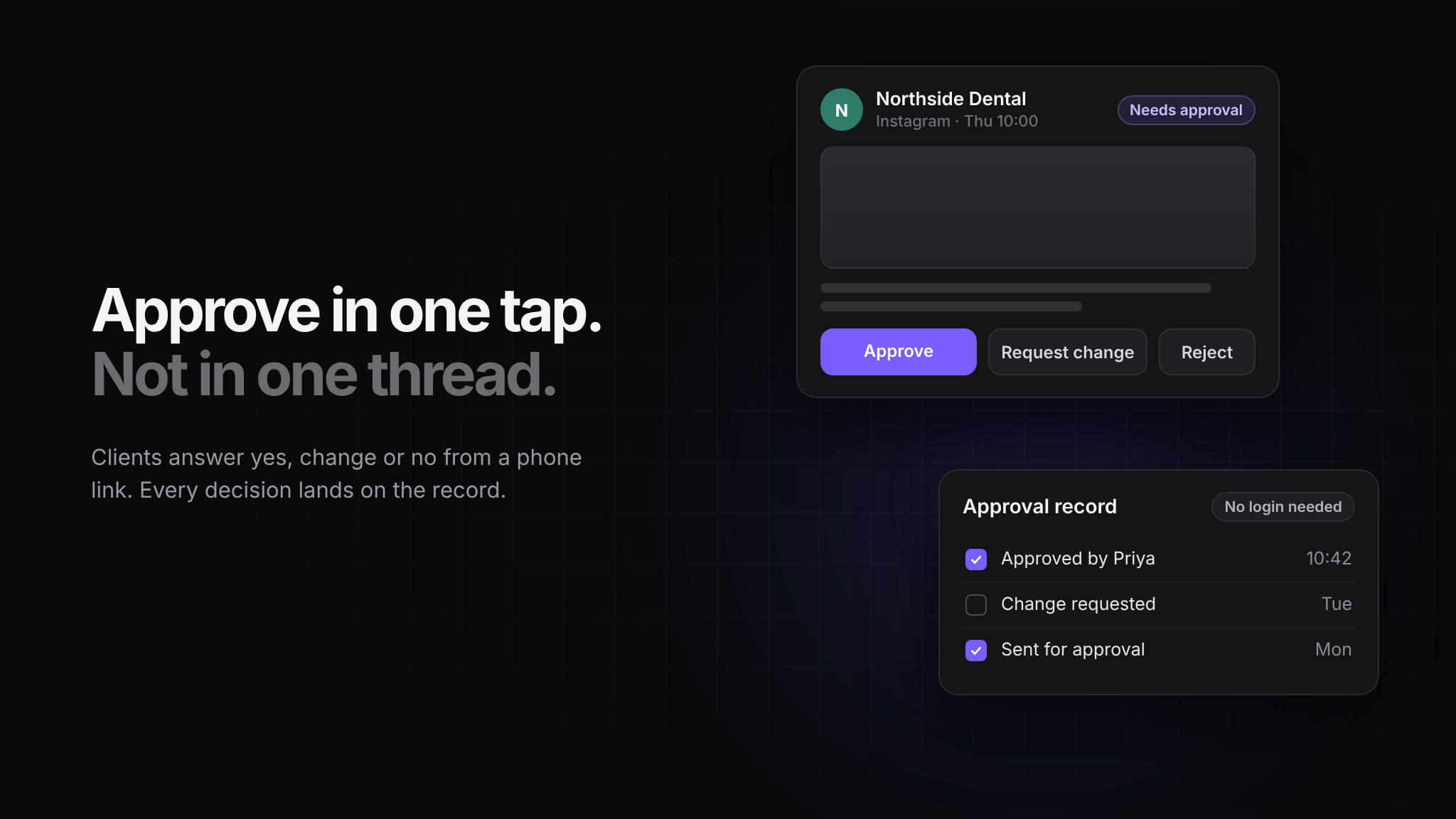
Send the client a preview of the post as it will appear, with its scheduled time, on a link they can open on their phone. No account, no password, no app. The decision should take ten seconds, because the only question is yes or no.
If your client has to log into a tool to approve a post, you have added a barrier that you will spend the rest of the retainer apologising for.
Ask for one of three answers
Give them exactly three options: approve, request a change, or reject. A free-text reply is a fourth option that creates work for you. When a change is requested, the comment belongs attached to the post, not in a separate thread.
Put a deadline and a default on it
Every approval request should carry two things: when you need the answer, and what happens if it does not arrive. For example: "If we have not heard by Thursday 5pm, this post will not go out and we will reschedule it to next week."
This is not a threat. It removes the ambiguity that makes clients comfortable ignoring the request, and it protects you when the post misses its slot.
Batch them, but not too much
Sending 30 posts at once gets you one of two outcomes: a blanket approval that nobody read, or a client who closes the tab. Weekly batches of five to ten posts tend to get actual attention. Anything time-sensitive goes on its own.
Agree who can approve, in writing
The most expensive approval problem is not slowness, it is a post being approved by someone who did not have the authority. Settle this during onboarding: name the person, name their backup, and write it into the scope.
What to do when a client will not engage
Some clients will not approve anything on time, no matter how easy you make it. At that point the process is not the issue; the agreement is. Two options tend to work:
Move to a negative-consent model. You share the plan a week ahead. If nobody objects by a stated date, it is approved. Write this into the contract, not into an email.
Reduce the approval surface. Get the monthly plan approved once, then only send individual posts for sign-off when they involve a claim, a price, a person or anything legally sensitive.
Both only work if they are documented before the first missed deadline, rather than proposed after one.
Keep the record
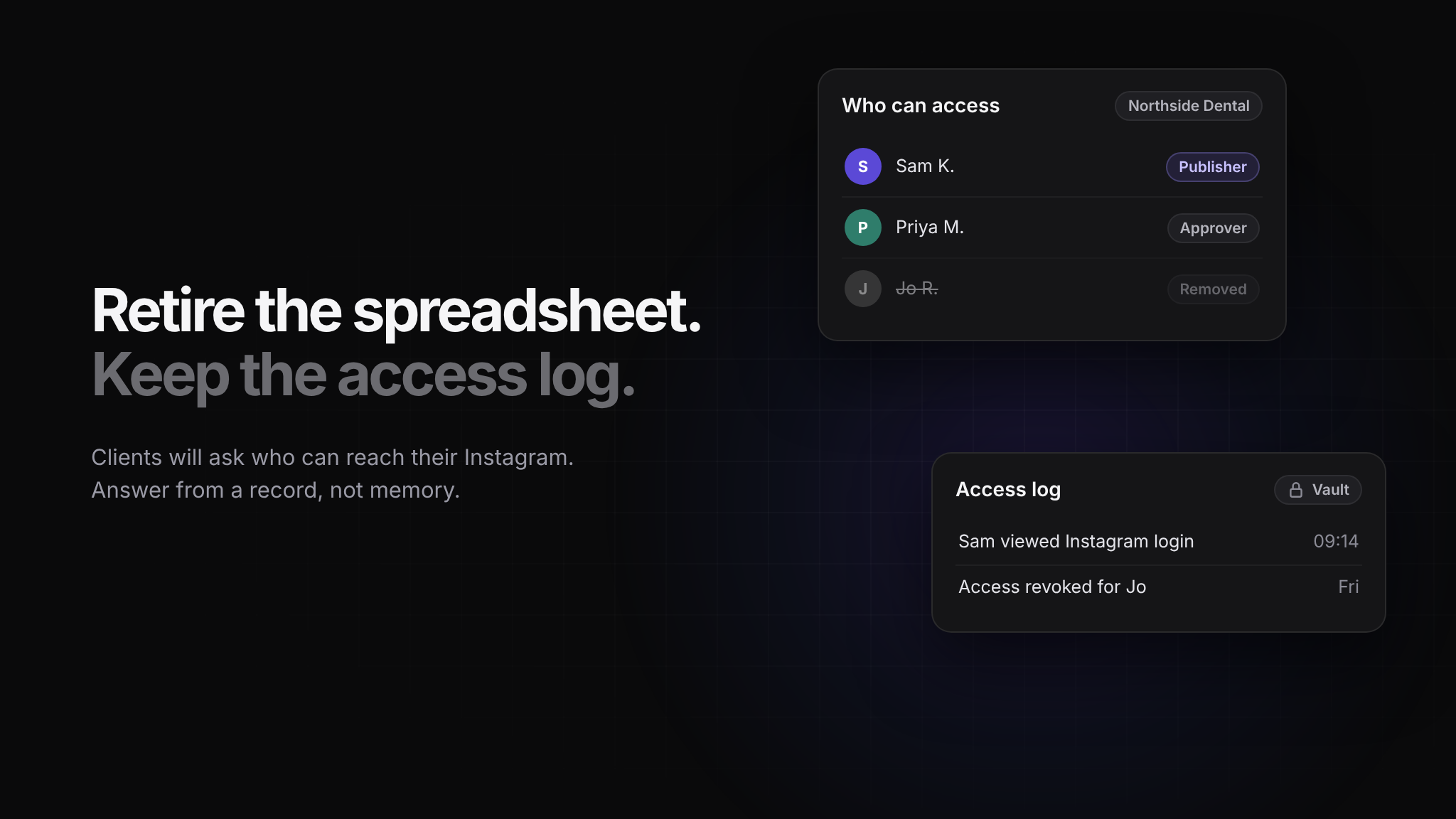
Whatever process you choose, keep the audit trail: who approved each post, when, and what the post said at that moment. The point is not to win arguments. It is that the question will come up, usually months later, and "I think we discussed it on a call" is not an answer that protects the relationship.
A good approval process is boring. One link, three buttons, a deadline, a default, and a record. The work it saves is not in the approval itself; it is in everything you stop chasing.