Agency operations
Sharing client social logins securely when the spreadsheet has to go
Almost every agency has a document of client passwords it would rather not discuss. Here is what to replace it with, and how to handle the handover when someone leaves.
On this page
There is a document in most agencies that nobody wants to bring up in a client meeting. It is a spreadsheet, or a shared note, or a pinned message, and it contains the logins for every client account the agency has ever touched.
It persists because it works. It is also the thing most likely to end a client relationship badly.
What is actually wrong with it
Not that it is a spreadsheet. The problems are specific:
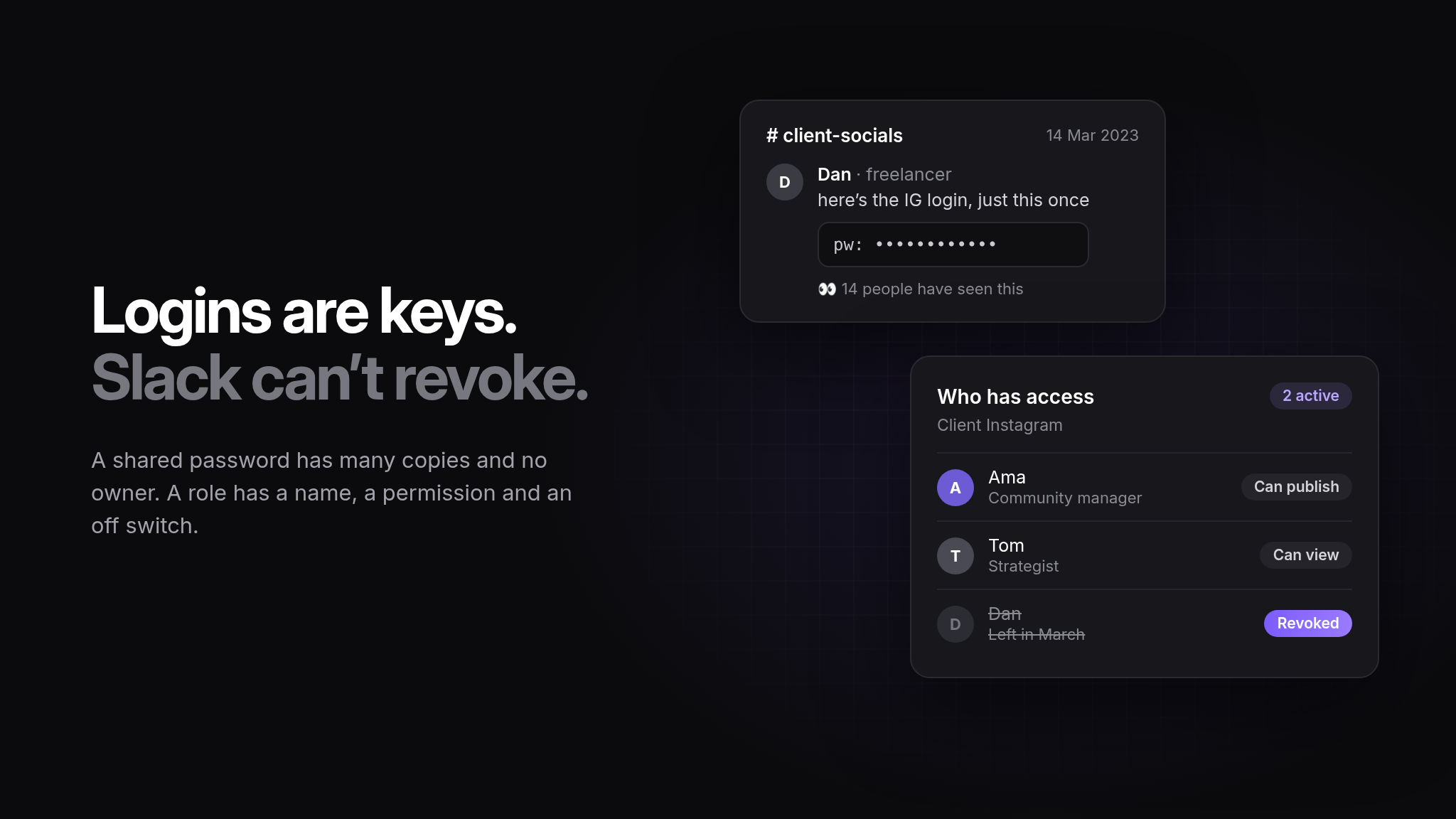
Everyone sees everything. A junior hired for one client can read the credentials for all thirty.
There is no record. You cannot tell who opened it, when, or which entries they looked at.
It does not get cleaned up. Departures are handled by removing someone from the chat where the link lives, which is not the same as removing their access.
Copies exist. Someone screenshotted a row to use it on their phone. That screenshot is in a camera roll backed up to a personal account.
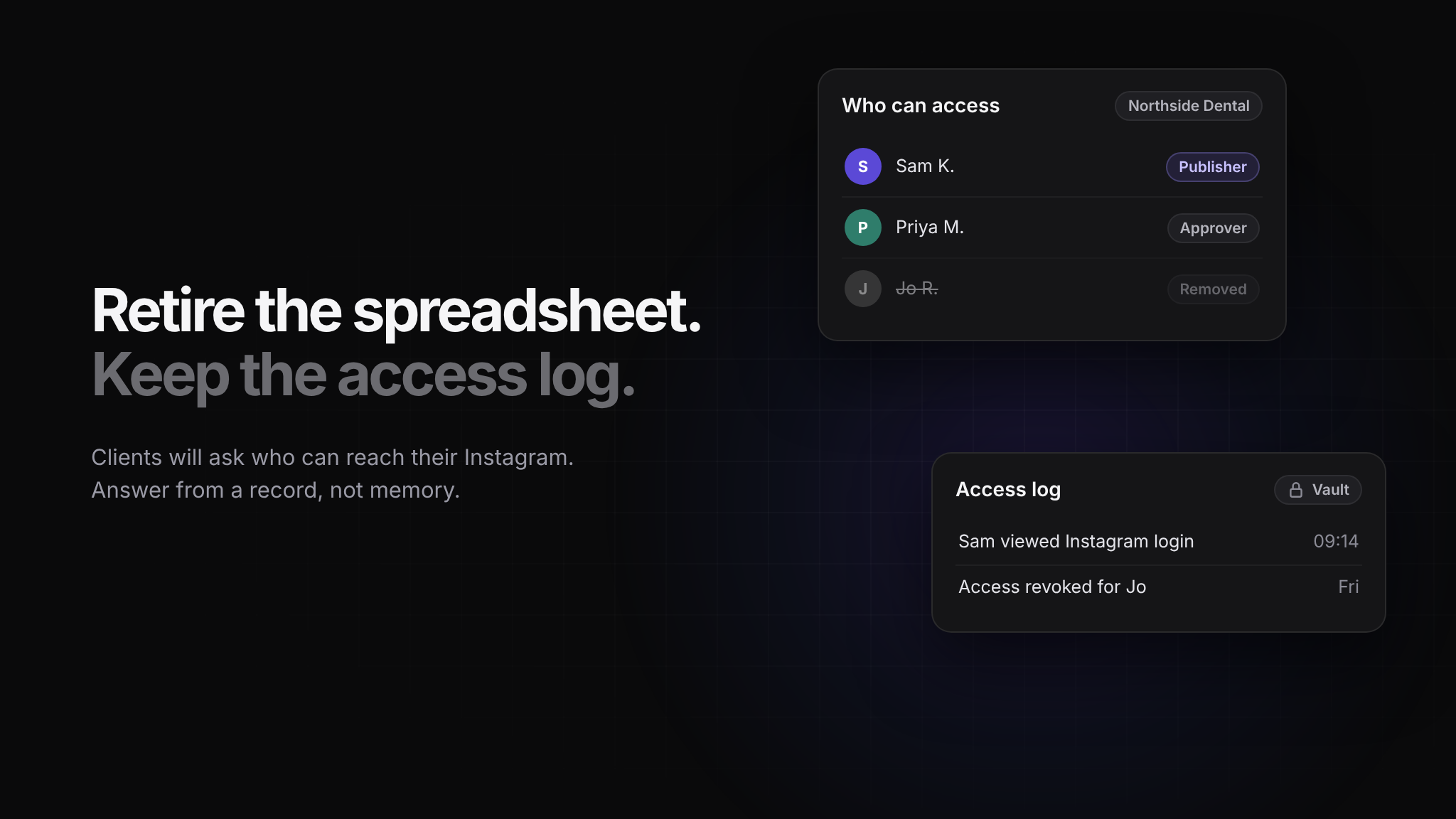
It cannot answer the question. When a client asks who at your agency can access their Instagram, you have no honest answer.
The last one is the one that costs you work. Enterprise clients and anyone in a regulated sector will ask, and increasingly they ask in writing during procurement.
Use the platform's own access model first
Before storing a password anywhere, check whether you need it. For most networks you do not:
Business manager and page roles let a client grant your agency access without sharing a password.
Scheduling tools connect through OAuth, which means a token you can revoke rather than a credential you have to keep.
Admin access can be granted to a named person and withdrawn when they leave.
Every credential you avoid storing is one you cannot leak. Push for platform-level access during onboarding, while the client is still enthusiastic about paperwork.
For what is left, store it properly
Some things genuinely need a stored secret: a legacy account with no role model, an analytics login, an ad account that predates the client's business manager, a review platform, an FTP credential for the website that the social team occasionally needs.
Those should live somewhere that gives you four things:
Encryption at rest, so a database copy is not a breach on its own.
Access per brand and per person, so the account manager for two clients can reach two clients' credentials.
A reveal history, so you know who viewed what and when.
One place to revoke, so offboarding is a single action rather than an investigation.
If your current setup is missing any of those, the migration is worth the afternoon it takes.
Write the offboarding checklist before you need it
People leave at inconvenient times. The process should be mechanical:
Remove their access to every brand, in one place.
Rotate any credential they could have read and that cannot be revoked by token.
Remove them as a named admin on client-side platforms.
Check for personal devices still holding a session.
Note the date and what was rotated.
Rotating everything is often impractical; rotating what they actually had access to is not, provided your access was scoped in the first place. That is the real argument for per-brand permissions: it turns a two-day panic into a twenty-minute task.
Tell the client what the arrangement is
There is a short section worth adding to your onboarding document: where their credentials are stored, who at your agency can access them, how access is removed when staff change, and how you will hand everything back at the end of the engagement.
Clients almost never ask for this, which is why volunteering it lands well. It is also the fastest way to get a nervous client to grant platform access rather than emailing you a password.
The handover at the end
Engagements end. When they do, give the client a clean exit: a list of every credential you held, confirmation of what you have deleted, and a reminder to rotate anything that was shared. Do it without being asked.
An agency that offboards cleanly gets referred. An agency that still has live access to a former client's accounts eighteen months later eventually ends up in a conversation nobody enjoys.