Agency operations
How to manage multiple social media accounts for clients without posting to the wrong one
Running 5 to 30 client brands is a structure problem, not a time-management problem. Here is how to set up workspaces, access and naming so mistakes become difficult.
On this page
Every social manager who has run more than three clients has the same nightmare, and a fair number have the real version of it: a post meant for a dental practice going out on a brewery's Instagram.
It is almost never carelessness. It happens because the setup made it possible. Fix the structure and the mistake gets hard to make.
Start from isolation, not convenience
The instinct when you pick up client four is to keep everything in one place so you can see it all at once. That is the decision that causes problems later.
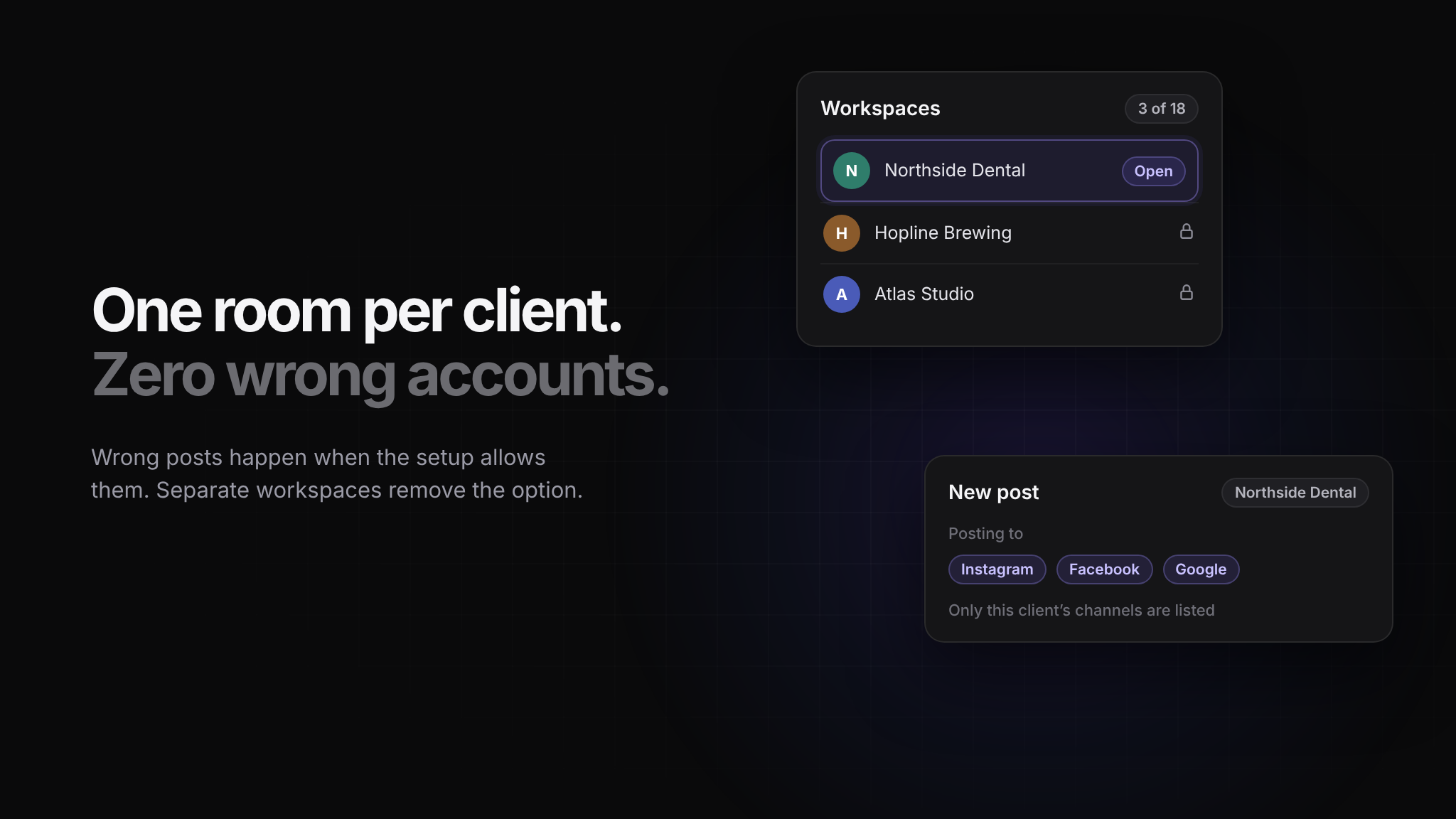
What you want instead is a room per client: its own connected channels, its own media library, its own links, its own credentials, its own reporting. You move between rooms, but nothing leaks between them.
The test is simple. When you are composing a post, how many wrong accounts could you plausibly select? If the answer is more than zero, the setup is doing you a disservice.
Give people access to their clients only
Account managers should see the brands they run and nothing else. This matters for three reasons, in ascending order of importance:
It reduces the number of wrong options on every screen.
It means a new starter can be useful on day one without a tour of your entire client list.
It means that when someone leaves, you are removing one person from a few brands rather than auditing everything they could reach.
The same applies to roles. The person drafting does not need publish rights. The person approving does not need billing. Most tools let you separate these; most agencies never get round to it.
Name things so mistakes are visible
Naming is unglamorous and it prevents more errors than any amount of care. A few conventions worth adopting:
Brands by client name, not an internal nickname. "Northside Dental" not "dentist2".
Channels labelled with both brand and network. When a connection expires, you want to know what broke without opening three screens.
Assets named with the brand and the month. A media library full of
IMG_4471.jpgis how the wrong photo ends up on the wrong feed.
Do the boring checks on a schedule
Agency social breaks quietly. A token expires, a client changes their Instagram password, someone removes your access while tidying up their business manager. You find out when a post fails, which is usually the worst possible moment.
Once a week, check:
Every connected channel is still authorised.
Nothing is sitting in a failed state from the last seven days.
Next week's calendar is full for every brand, not just the ones you thought about.
Fifteen minutes on a Friday prevents most of the emergencies.
Keep credentials out of chat
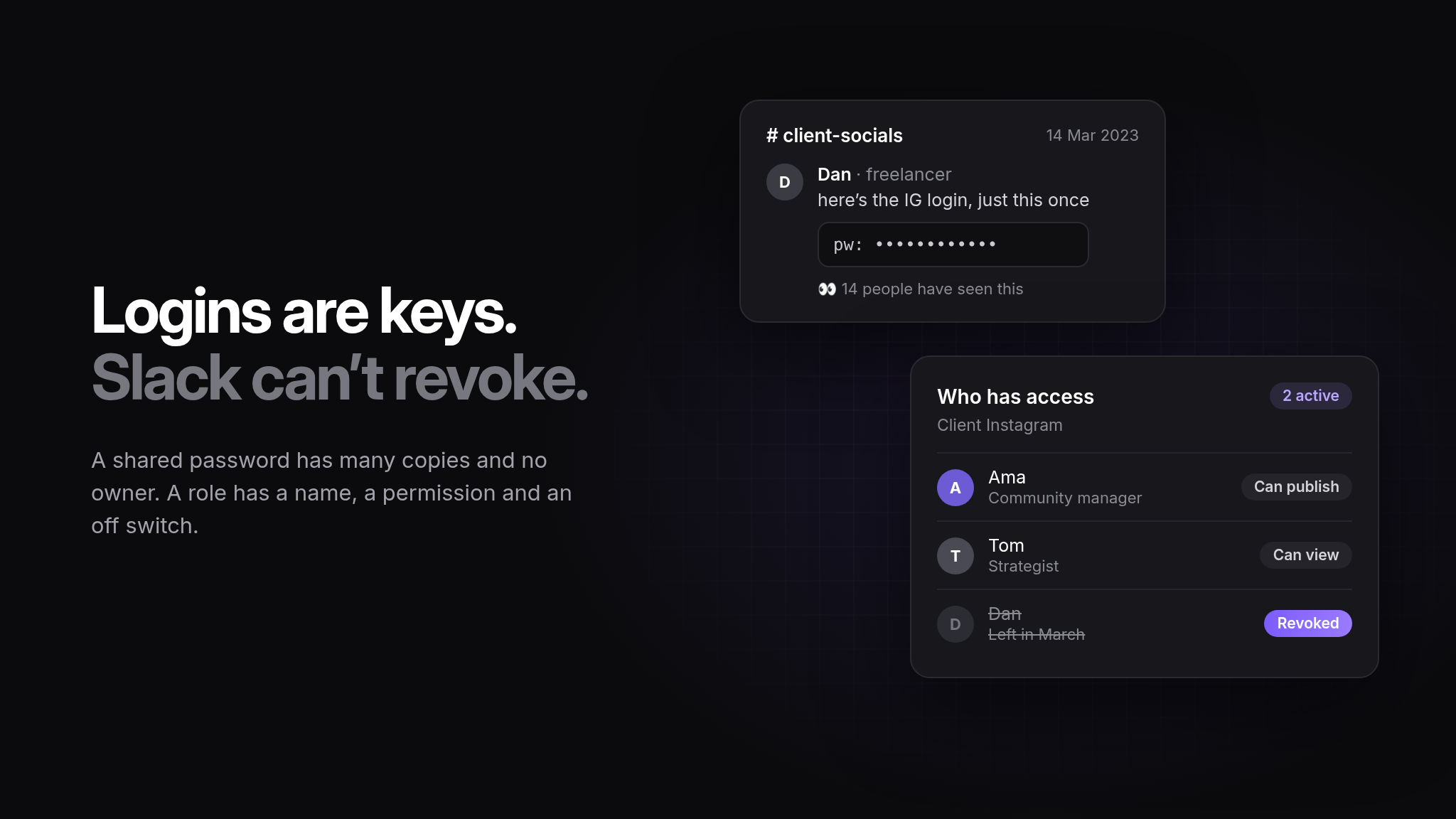
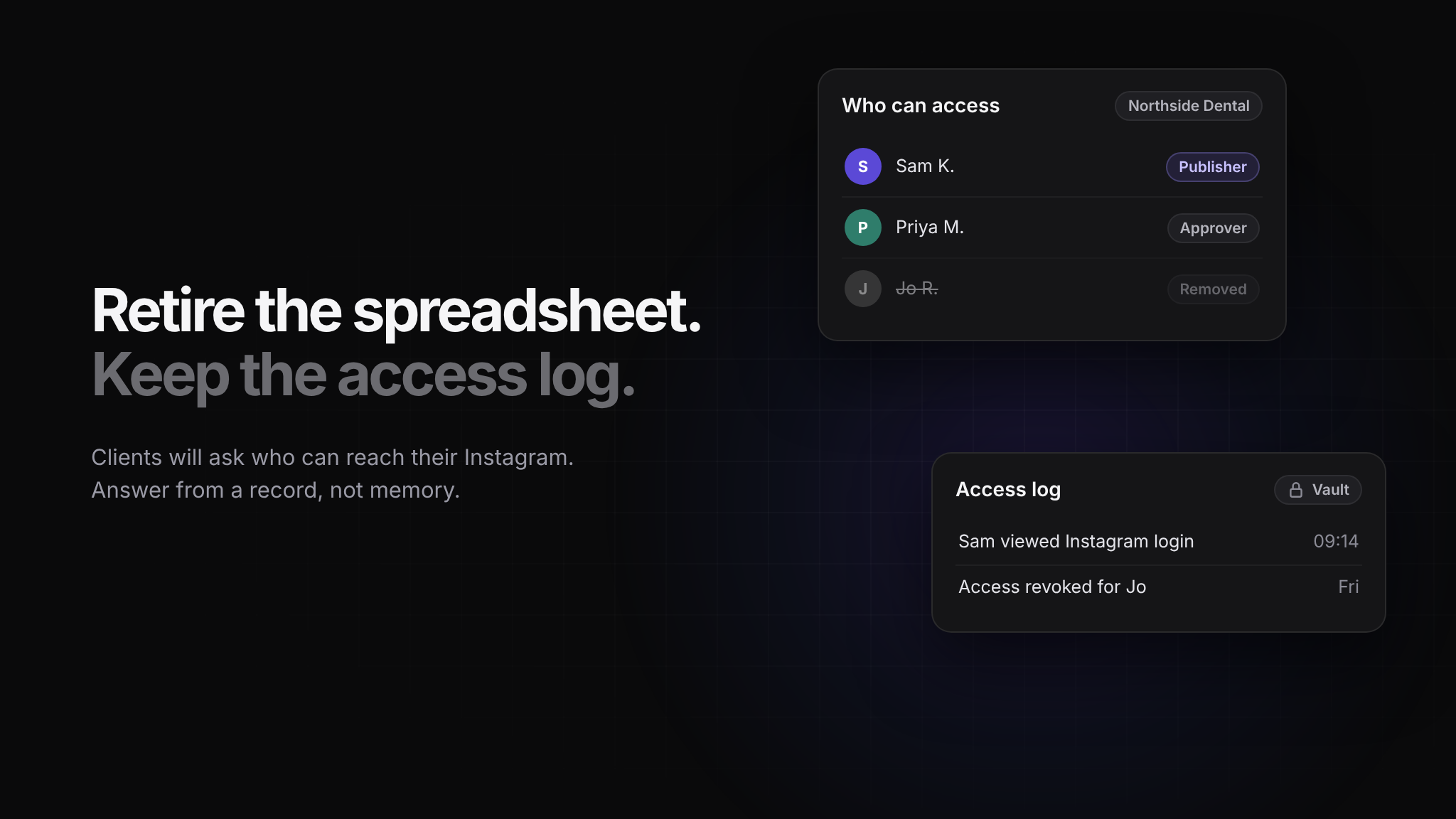
The shared spreadsheet of client logins is a liability that every agency has and nobody wants to discuss. It is readable by everyone who has ever been in the company, it has no record of who looked at what, and it does not get cleaned up when someone leaves.
Store client credentials somewhere encrypted, grant access per brand and per person, and keep a history of who revealed what. The point is not paranoia. It is being able to answer honestly when a client asks who has access to their accounts.
Separate the plan from the posting
One more structural habit: approve the month, then schedule it. Agencies that compose and publish in the same motion make more mistakes and have worse conversations with clients, because there is no moment where someone looks at the whole picture.
Get the plan agreed, load it into the calendar, and let the publishing be mechanical.
The actual lesson
Managing many client accounts well is not about working faster. It is about building a setup where the careless version of each action is also the safe one: the wrong account is not on screen, the wrong asset is not in the library, and the person who should not publish cannot.
Do that and the nightmare stops being plausible.