Nobody loves logging into 6 different platforms.
Schedule every brand from one place. Give clients live reporting without the screenshots, spreadsheets and status updates.


Publish to every network your clients care about
- X
- YouTube
- TikTok
- Threads
- Bluesky
- Telegram
 Telegram
Every client gets their own room.
Channels, calendars, media and reports are separated per brand, so nothing posts to the wrong account and nobody sees what they shouldn't.
- Northside Coffee6 channels connected
- Hackney Run Club4 channels connected
- Juniper Studio5 channels connected
- Brightside Realty3 channels connected
Isolated brands
Switch clients in one click. Each brand keeps its own channels and library.



Brand access
Give each teammate access to only the brands they work on.
Ten networks
Instagram, Facebook, X, LinkedIn, YouTube, TikTok, Pinterest, Threads, Bluesky and Telegram.
One calendar, 10 platforms.
Write once, tailor it per network, and see every post for the week in one place. Move one and the whole team sees it.
Drag to reschedule
Drop a post on a new day. Bulk-move a whole week when plans change.
Tailor per network
One draft, with a version and a character count for every platform.
Media library
Upload once per brand, crop to each platform, and reuse it everywhere.
Approvals without the chase.
Send clients a link. They preview and approve.
- Which version is final?
- v3, resending the caption now
- Can you resend the caption?
- Looks good! Wait, not the second photo
- Re-exporting…

New seasonal menu drops Monday. Which one are you trying first?
No login for clients
A secure link per request. It just works on their phone.
Comments in context
Feedback sits on the post, not scattered across inboxes.
- Drafted by JordanMon 10:02
- Sent for approvalMon 10:05
- Approved by SarahMon 14:31
- PublishedTue 09:00
Clear history
See who wrote it, who approved it, and when it went out.
Reports clients actually read.
Turn post analytics into a clean PDF or a live dashboard link, with your branding on it.
PDF exports
A monthly report per brand, ready to send.
Live dashboards
Share a link that keeps itself up to date.
And the rest, done properly.
Encrypted vault
Keep client logins per brand, and share them without revealing the password.
Roles and permissions
Decide who can draft, publish, approve or see billing.
Bulk actions
Reschedule, duplicate or delete a month of posts at once.
Command palette
Jump to any brand, post or setting from the keyboard.
Platform crops
Crop each image to the right ratio for every network.
Audit history
Every draft, approval and publish, with who did it and when.
Tracked links
Shorten links and see which posts, platforms and campaigns drive traffic.
Link in bio
A simple bio page for each brand that links to their latest posts and offers.
Stop running clients out of your camera roll.
Most agencies glue together a scheduler, a chat app, a password sheet and a slide deck. Haba does it all for you.
Without Haba
With Haba
- Approvals chased across email, Slack and textsOne magic link per post.
- A spreadsheet of client passwords everyone can openLogins in an encrypted vault, shared without revealing them
- Screenshots pasted into a slide deck every monthBranded PDF reports and live dashboards in a click
- Logging in and out of each client account to postEvery client brand in one calendar across ten platforms
- No idea which version of the caption was signed offA clear history of who wrote, approved and published what
Schedule a month of content in an afternoon.
- Today
Get set up.
- Create your workspace
- Add your first client brand
- Connect their social accounts
- Week one
Get into rhythm.
- Fill the calendar for the month
- Send your first approval links
- Invite your team with the right roles
- Day 30
Send the report.
- Every client on one calendar
- Approvals in hours, not days
- A branded report in every inbox
Ideas for running social like a studio.
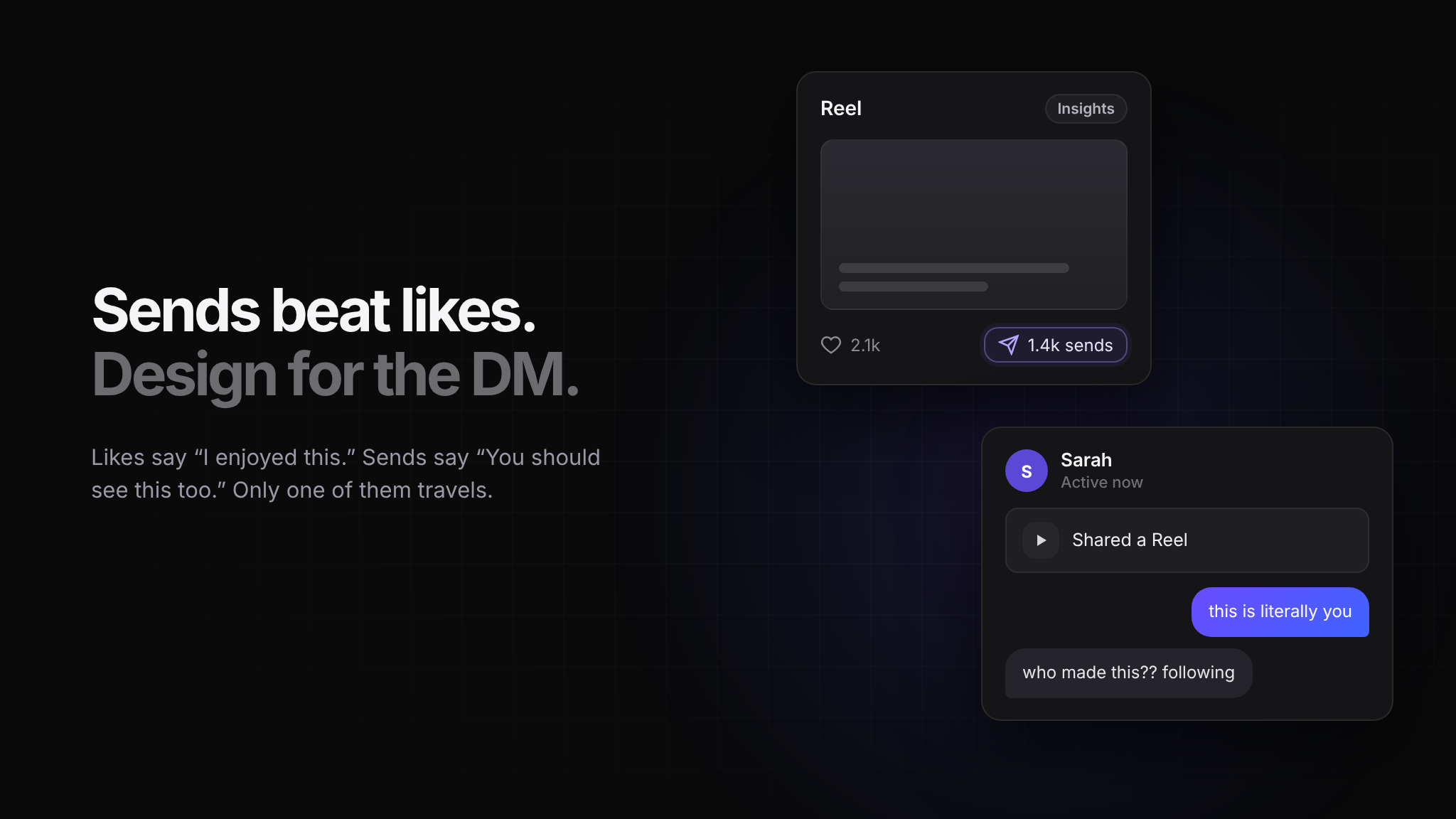
Sends beat likes. Design for the DM.
Likes are applause. Sends are recommendations. Design for the DM, not the heart.
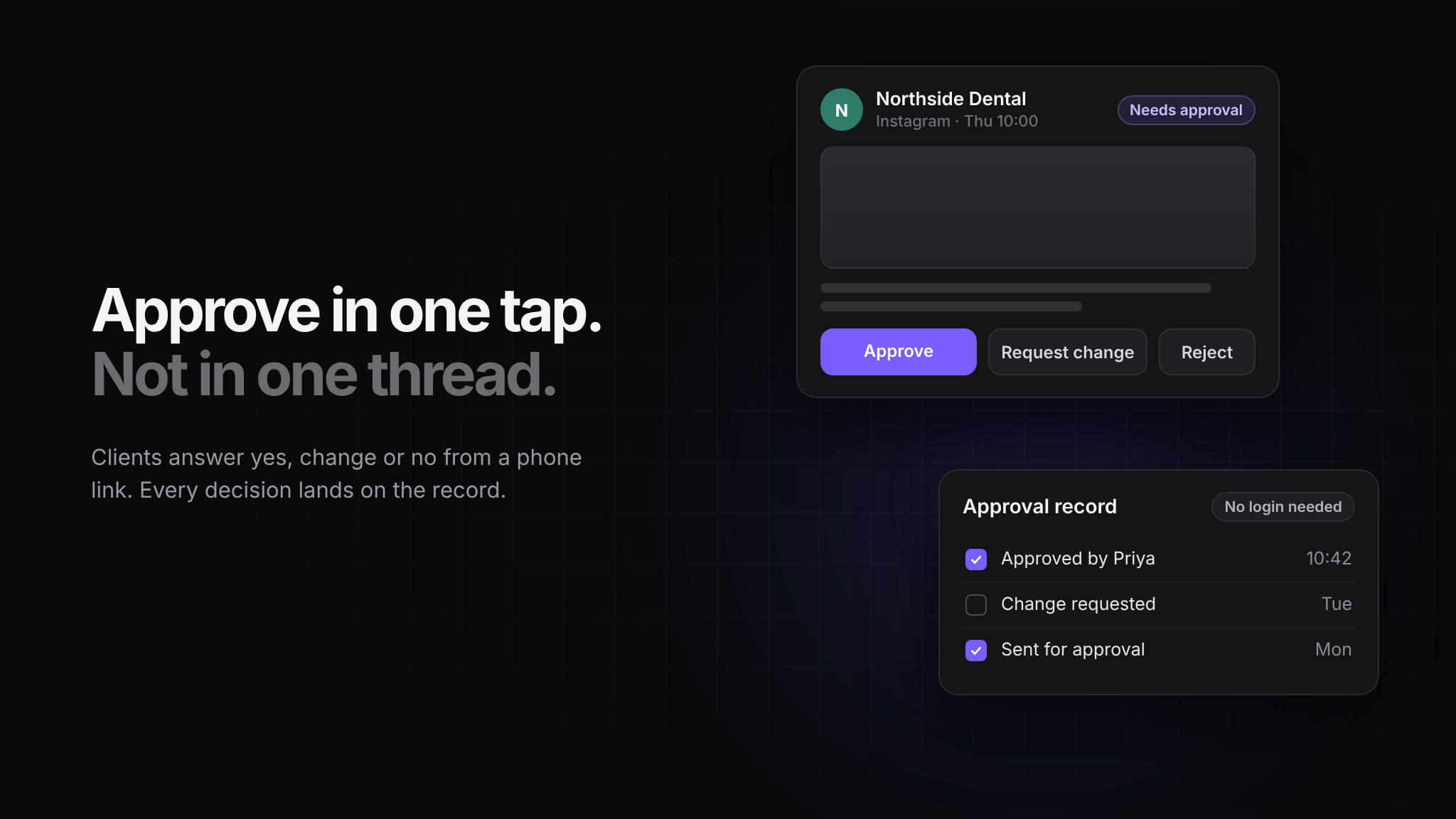
How to get client approval on social posts without the email chain
Approvals are where most agency social work stalls. Here is a process that gets a yes in hours instead of days, and leaves a record of who agreed to what.
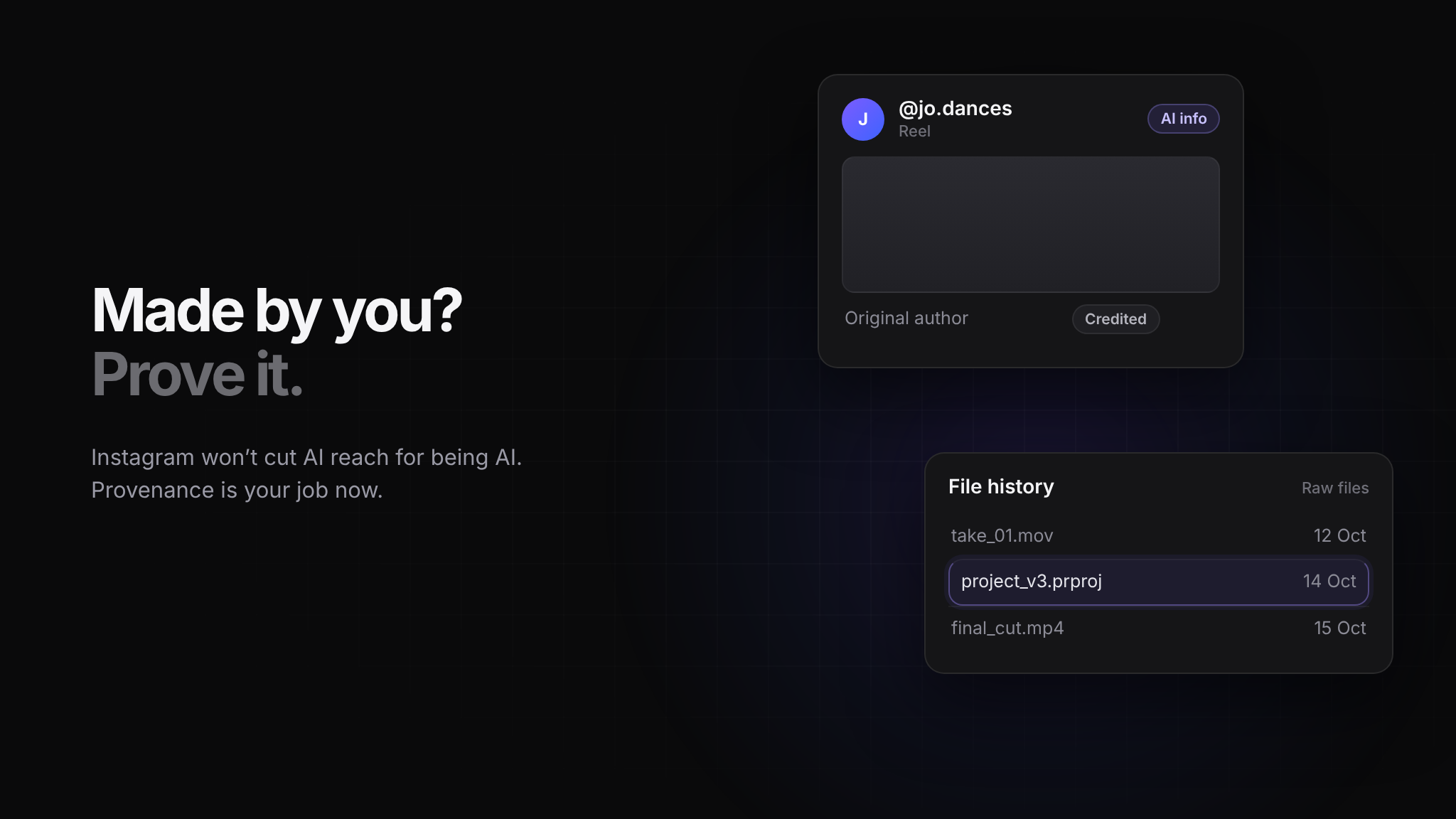
Instagram can’t tell who made it either
Instagram won’t cut AI content’s reach just for being AI, and admits ranking makes mistakes. X now credits the original author when a photo is shared. Proving who made it is the creator’s job.

Everything Social Newsletter
They changed the feed...again
Everything Social is the weekly note that tells you what actually moved on social media this week, and what to do about it. Subscribe free.
Simple plans that grow with your client list.
Starter
Individuals and small brands
10 social accounts · 300 posts / month
- Calendar and scheduling
- Publish to every connected network
- Analytics on every post
- Vault — 10 stored logins
Creator
Creators and growing brands
20 social accounts · 1,500 posts / month
Everything in Starter, plus
- 5× the monthly posting allowance
- Client and brand reporting
- Vault — 50 stored logins
Agency
Agencies and teams
60 social accounts · 5,000 posts / month
Everything in Creator, plus
- Team access and roles
- Team Vault sharing, permissions and audit log
- Priority support
Questions, answered.
Which platforms can I publish to?
Instagram, Facebook, X, LinkedIn, YouTube, TikTok, Pinterest, Threads, Bluesky and Telegram. You connect each account once per brand and schedule to any mix of them.
Do my clients need an account to approve posts?
No. Each approval request is a secure magic link. Clients open it on any device, preview the post, and approve, comment or request changes.
Can I put my own branding on reports?
Yes. PDF reports and live dashboard links carry your branding, so clients see your name, not ours.
How do clients send me their photos and videos?
Create a Content Drop and send the link. Anyone can upload to it without a Haba account, and you review each submission and schedule it or save it to the media library.
Can I tell which posts actually drive traffic?
Yes. Tracked links shorten to go.haba.social, tag UTMs automatically, and attribute every click back to the individual post, the platform and the campaign.
Can I connect an AI agent to Haba Social?
Yes. Point Claude, ChatGPT, Grok, Cursor or any MCP client at /mcp. ChatGPT and Claude on the web sign in with Haba. Claude Code, Cursor and the Grok CLI use a personal access token from Settings, shown once. The agent can only do what your role allows: an editor can read posts, and publishing needs permission to manage posts.
Is there a free trial?
Every new workspace gets a 7-day free trial so you can connect a brand, schedule posts and send an approval before you pay.
What happens if I go over my monthly posts?
You can buy extra posts at $10 per 1,000 at any time. They last until the 1st of the month, when your allowance resets.
Can I change plans later?
Yes. Upgrade or downgrade from billing settings at any time. Annual billing saves 20%.
How much does Haba Social cost?
Starter is $19 a month, Creator is $39 a month and Agency is $79 a month. Annual billing takes 20% off every plan.
Manage more clients without creating more work.
Every new workspace starts with a 7-day free trial. Connect your first brand in minutes.